 Rumpelstiltskin Dance
1. Watch and upload
Play the reference to see the intended scene, then add one clear photo of the person you want as the dancer.
Explore Rumpelstiltskin AI and the dancing gnome meme. Watch a sample of the tiptoe routine and read the dance guides.
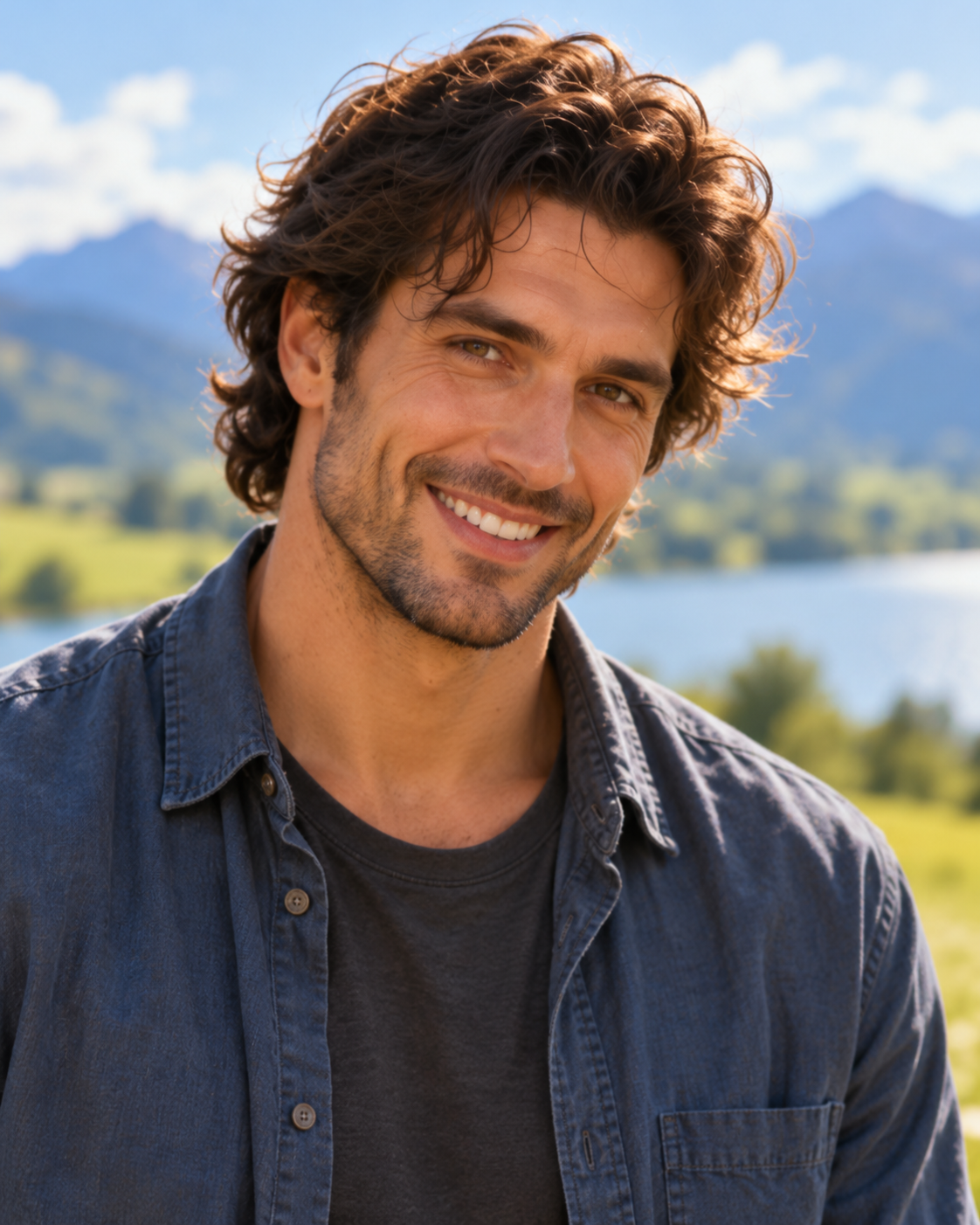
Select AI-generated video to see this photo dance. Upload your own photo to become the dancer; appearance and motion may vary.
Uploads and purchases are closed. You can still watch the sample and browse the dance guides.
Rumpelstiltskin AI describes the fairy-tale video trend built around a small, mischievous dancer and a distinctive tiptoe routine. The soft, vintage-looking scene makes the clip feel like an old fantasy film. Here, the name also describes a practical tool: a way to make a personal version of that dance from a still photo.
The tool uses your image as the dancer reference and the original clip as guidance for the scene and movement. It generates a new video rather than asking you to record yourself dancing. The person in your photo becomes the dancing lead; this is a one-photo workflow, with no second character upload or custom scene editor.
The reference player is available without buying a video. Watch it to understand the shushing, shuffle and fairy-tale atmosphere, then decide whether the template fits your idea. The reference is source footage, not evidence that a generated result will reproduce every face, pose or cut.
These steps describe the original workflow. The generator is closed.
The reference and dance instructions are handled for you.
Play the reference to see the intended scene, then add one clear photo of the person you want as the dancer.
Choose reference framing, portrait or landscape. Continue to the $5.99 USD one-time payment; a delivery email is optional.
Open your private order to check progress. Preview and download the completed 13-second 768P clip before its 14-day download window ends.
Use your own photo to make a short reaction video, a playful profile post or a message for a friend. You do not need a dance recording, a motion-capture setup or a written prompt.
Keep the reference framing, choose portrait 9:16 for a vertical post, or landscape 16:9 for a wider scene. Select the format before payment; it becomes part of that video order.
Follow generation from your private order page, preview the result and download it. Save a local copy within 14 days after delivery. Public sharing is an optional action after the video is ready.
Choose one person with a clearly visible face, even lighting and no heavy obstruction. A wider photo can give the model more clothing and body detail. A tiny face in a group shot gives it less useful information; crop to one person or choose another image.
Use a JPG, PNG or WebP up to 10 MB that you own or have permission to use. AI can reinterpret appearance and anatomy, so treat the result as a playful generated scene. The service does not promise a perfect face replacement, an exact dance copy or a fixed completion time.
If you arrived from a “Tip Toein’ in My Jordans” edit, you are in the right place. This tool creates the Rumpelstiltskin tiptoe meme with your uploaded person as the dancing lead. The tiny steps, shushing gesture and vintage barn scene explain the trend more clearly than the name alone. It is an independent recreation tool, with one prepared routine rather than a catalog of unrelated AI effects.
The fairy-tale name is older than the social video. The University of Pittsburgh’s Grimm translation provides the story background; Know Your Meme documents the modern AI clip. Our reference player lets you inspect the exact scene used to guide this product before buying. It is labelled source footage, and the generated result can differ in appearance and movement.
It uses one uploaded photo as the dancing lead in a newly generated fairy-tale scene. The reference clip guides the movement and setting; appearance and choreography can vary.
The output is a newly generated video guided by a photo and reference footage. It is not a frame-by-frame face replacement or an exact copy of the source.
It includes original AI-generated audio, not the commercial recording associated with some edits. You can add suitable music in your editor or social app after downloading.