Tiptoeing in My Jordans Meme Generator

Explore the Tiptoeing in My Jordans meme, the Riff Raff song and the Rumpelstiltskin AI clip. Watch a sample of the tiptoe dance.

An AI-generated dance made from the photo below. Upload your own photo to create your version.
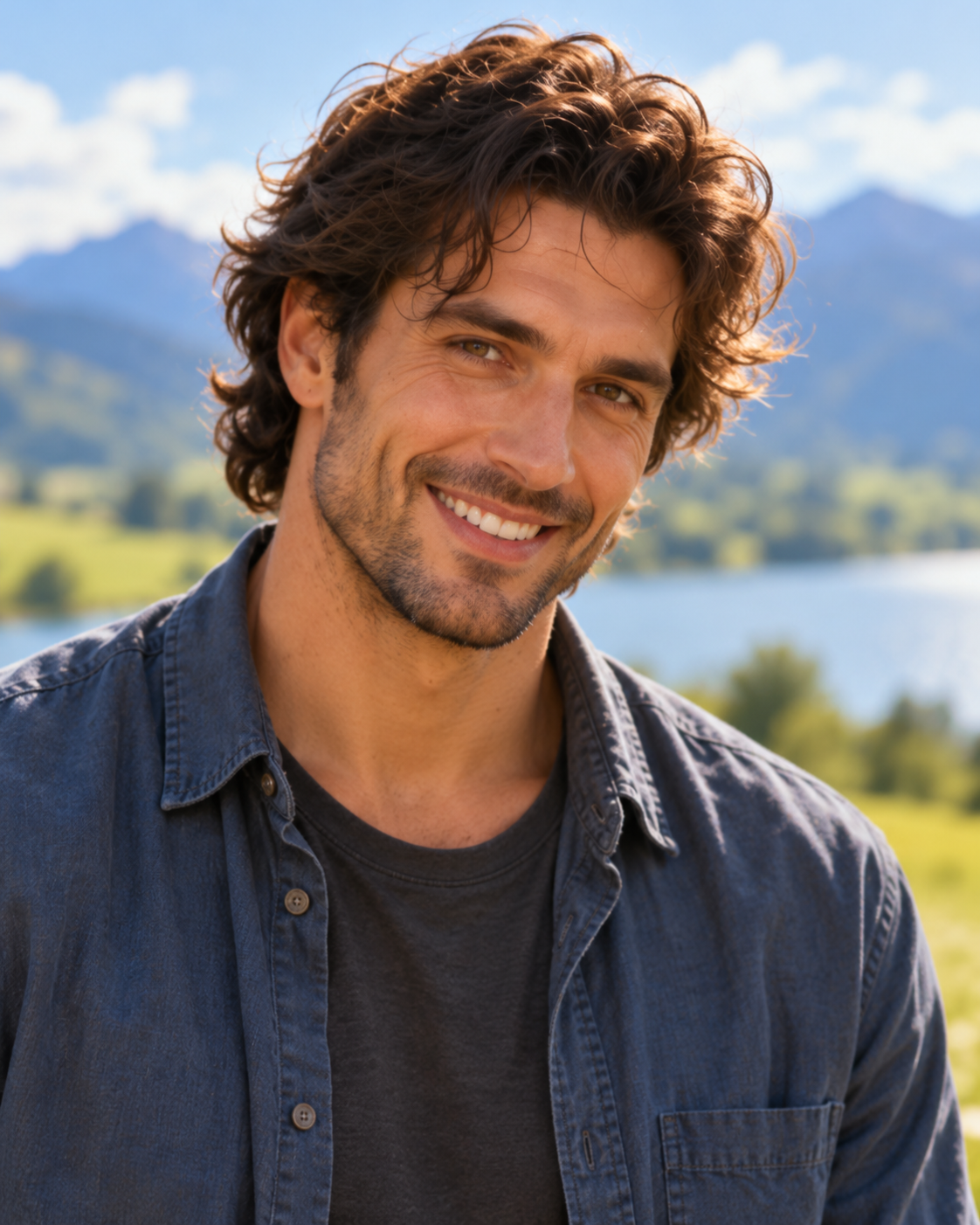
Example input photo of a smiling man in a blue shirt
Example input photo → AI dance video

Select AI-generated video to see this photo dance. Upload your own photo to become the dancer; appearance and motion may vary.

Watch the sample

Video generation is closed

Uploads and purchases are closed. You can still watch the sample and browse the dance guides.

What is the Tiptoeing in My Jordans meme?

The Tiptoeing in My Jordans meme pairs an AI-made Rumpelstiltskin dance with a RiFF RAFF song. A small fairy-tale figure shushes, grins and tiptoes through straw while a woman watches. The vintage fantasy styling is part of the generated scene; it is not footage from the 1987 Rumpelstiltskin film. Know Your Meme documents the original Instagram post on August 27, 2026 and a TikTok music edit on September 29, 2026.

If you arrived by searching the audio phrase, you have found the same dance people search for by the character’s name. Reposts also call it “tip toeing in my Jordans” or “Tip Toein’ in My Jordans.” The upload form above uses the existing Rumpelstiltskin reference template, with your photo supplying the dancing lead. You do not have to film yourself, find a CapCut template or write a video prompt.

How the video generator worked

These steps describe the original workflow. The generator is closed.

Use the generator on this page, then finish the caption and music in your chosen app.

1. Choose your dancing lead

Upload one clear photo of one person. Use JPG, PNG or WebP up to 10 MB. A visible face and some clothing detail give the template useful information; a dance pose is unnecessary. Replace the photo before checkout if the preview is unclear.

2. Pick the frame and generate

Choose portrait 9:16, landscape 16:9 or adaptive reference framing. Generation costs $5.99 USD once and produces a 13-second 768P video. An account and delivery email are optional. Follow processing on the private order page; generation time can vary.

3. Download, caption and choose your sound

Watch the result before posting and save it within 14 days after delivery. The output has original AI-generated audio. If you want the recognizable RiFF RAFF sound, search for it in your social app and check availability and permitted use there.

What song is “Tiptoeing in My Jordans”?

The track is RiFF RAFF’s “Tip Toe Wing In My Jawwdinz,” from Neon Icon in 2014. The everyday spelling “tiptoeing in my Jordans” is how listeners often remember the phrase; it is not the spelling used on the official music video. Use the artist’s name with the title when looking for the recording, especially if a platform’s sound search returns unrelated tiptoe songs. The official video linked below identifies the track.

Our generator supplies the moving scene with original AI audio. It does not bundle that commercial recording or promise automatic synchronization to a particular song edit. After downloading, preview the video with your chosen sound and adjust the starting point in your editor. Listen once with the generated audio lowered before deciding on the final mix. This makes it easier to hear whether the gesture and musical accent work together.

For YouTube Shorts, YouTube’s official music guidance explains that availability depends on the track’s eligibility and territory. Use the sound options actually offered to your account when preparing the post. A song appearing in someone else’s repost does not establish that the same option will be available in your upload. If you prefer the generated audio, you can keep it and make the joke work through the caption instead.

The tiptoe meme origin: an AI clip with an old-film look

The original visual and the later music remix are separate stages. Know Your Meme credits the August Instagram post to Stroinaya, Neuroferma and Anna Glinskaya; its timeline then records the September TikTok edit and subsequent X posts. Those are documented examples, rather than a claim that every earlier upload has been found. A repost’s date or movie-style caption is not reliable evidence of who first created the footage.

That distinction matters when you share your own version. Describe it as an AI recreation of the tiptoe meme rather than a recovered film scene. The example player above lets you switch between the source reference and a generated example, so you can compare the visual idea with an actual output. The displayed input photo belongs to that example; it is not a customer review or a promise that every upload will match it exactly.

Caption ideas for your tiptoeing meme video

Start with a situation that explains the sneaking gesture in one sentence. The dancer already supplies the movement, so your caption can supply the motive. Put the text where it leaves the face, shushing hand and footwork visible. These are original caption suggestions to adapt to your own situation, not claims about successful posts or predicted view counts.

The quiet exit

“Me leaving the group chat after starting the debate.” Let the small steps carry the exit joke. A single line is easier to place without covering the dancer than a paragraph explaining the entire conversation.

The small victory

“When the last slice is still in the fridge.” Use the pleased expression as the payoff. You can choose a moment from your own day so the caption feels specific to the friends who will see it.

The suspiciously early finish

“Me at 4:59 when the meeting ends early.” Preview the line against the full dance before posting. If the caption covers the feet on a phone screen, move it higher or shorten it in your editor.

Prepare the photo and frame for your AI dance

Choose a sharp, evenly lit image with one obvious subject. Heavy filters, a hidden face or a very small face give the model less useful identity detail. If your phone stores the picture as HEIC, export a JPG or another supported format before uploading. Avoid repeatedly compressing the same image: open the final copy and check that the eyes and face are still recognizable at normal viewing size.

Portrait 9:16 is a useful starting point for a vertical edit, while landscape 16:9 gives you a wider composition. Adaptive follows the reference framing. These options change the frame for the same prepared routine; they do not add a second character upload or unlock custom footwork. Watch the generated result for cropping around the face and feet before putting captions over it.

The template interprets appearance and motion rather than preserving every pixel of your photo. Hands, clothing, facial likeness and timing can vary. Check the whole 13-second result, including transitions between gestures, before sharing it. For a more detailed walkthrough of selecting a photo and reviewing an order, read the tutorial linked below.

Tiptoeing in My Jordans meme questions

Is Tiptoeing in My Jordans the same as the Rumpelstiltskin Dance meme?

Yes, for the AI fairy-tale tiptoe clip discussed here. One name identifies the music phrase and the other identifies the dancing character. This page uses the same one-photo generator as our Rumpelstiltskin Dance tool.

Is the original tiptoe video AI or from the 1987 movie?

It is AI-generated. The vintage look has led to movie claims, but Know Your Meme identifies the clip as AI and documents its August 2026 Instagram origin. It is separate from the real 1987 Rumpelstiltskin film.

Why is the song also spelled Tip Toe Wing In My Jawwdinz?

That is the stylized song title used by RiFF RAFF. Tiptoeing in my Jordans is the familiar spelling people use to search for the phrase. The official music video is linked in the song section above.

Does this generator include the trending song?

Your video includes original AI-generated audio, not RiFF RAFF’s recording. Add a suitable available sound in the app where you post. The tool does not provide a song download, music selector or automatic beat-sync control.

Do I need a CapCut template or a recording of myself dancing?

No. Upload one still photo directly into the form on this page. The prepared reference guides the scene and choreography. You can use an editor afterward for captions or sound, but you do not need one to request the AI dance.

Where do I get the video after generation?

Use your private order page to follow progress and download the finished file. Add an optional delivery email, or return to My orders in the same browser on the same device. Save the video within the 14-day availability window after delivery.